
Videos to save
Combined, Separate or Both: what a two-camera take saves
Most dual-camera apps give you one video with the second camera burned in. Dual Recorder asks a question first: what should this take keep? One combined video, a clean video from each camera, or all three. You answer before you press record, and the take writes exactly those files.
The setting lives in the top bar, in the Dual Camera sheet and in Settings → Video; all three are the same switch.
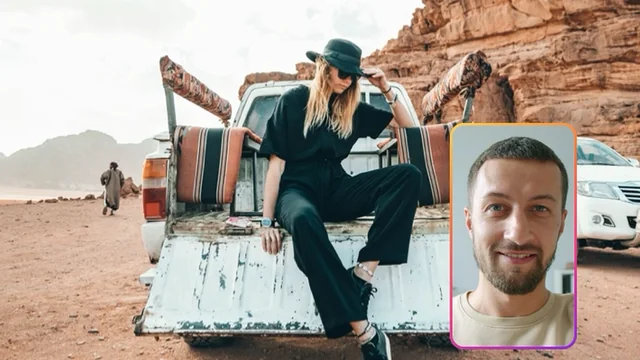
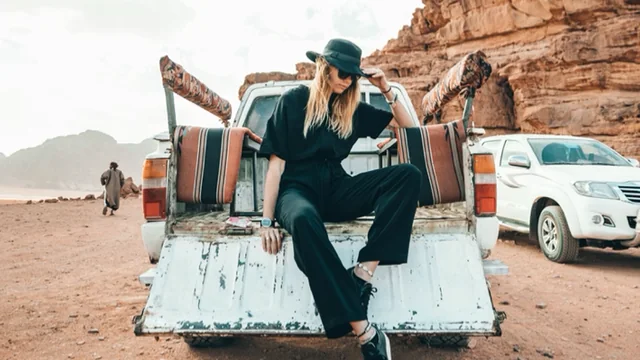
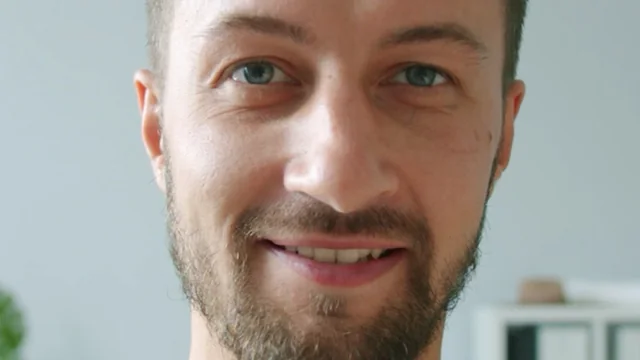
Combined: one video, the arrangement included
Combined writes a single video with the second camera already in place: the window in its corner, or the split with its seam. It is the file you post straight away. Everything you did on screen during the take, moving the window, changing its shape, swapping cameras, dragging the seam, is in the picture. Choose this when you want the least to think about afterwards.
Separate: a clean video from each camera
Separate writes two videos, one per camera, each full frame with nothing overlaid. Choose this when the take is going into an editor: you get the scene and the reaction as two clean tracks that already line up, and you decide the arrangement there. Nothing is composed, so nothing is baked in.
Both: all three files
Both writes the combined video and the two clean files. It is the choice for people who post the combined video now and keep the clean ones for a longer edit, or who want to rearrange the take later in the app. It costs the most storage, and the app says how much before you record.
Same length, same size, same first frame
Every file a take writes starts on the same camera frame and shares one video shape and size. The clean files use the same crop as the combined one, so a 16:9 take gives you three 16:9 videos of identical dimensions. Drop them on a timeline and they align without a single adjustment; there is no clap to match and no drift over a long take.
A mid-take camera swap changes which camera is in the window, but never which camera goes to which clean file. Each clean file follows its lens for the whole take.
Where the files land
The library shows a take as one tile, badged with how many videos it holds, so three files never look like three unrelated clips. Save to Photos saves every file of the take, Share hands all of them to the share sheet, and the editor shows a switch per camera so you can trim once and export all of them or just the ones you want.
What it costs, said before you record
Three files take about three times the room of one. Settings → Video estimates the megabytes per minute for the mode, size, frame rate and file count you have chosen, the library shows what every take and every day cost, and once a take has less than fifteen minutes of room left the timecode capsule says so. A take refuses to start without a safe margin per video and ends cleanly, saved up to that point, if storage runs out.
Up to five videos with Every platform
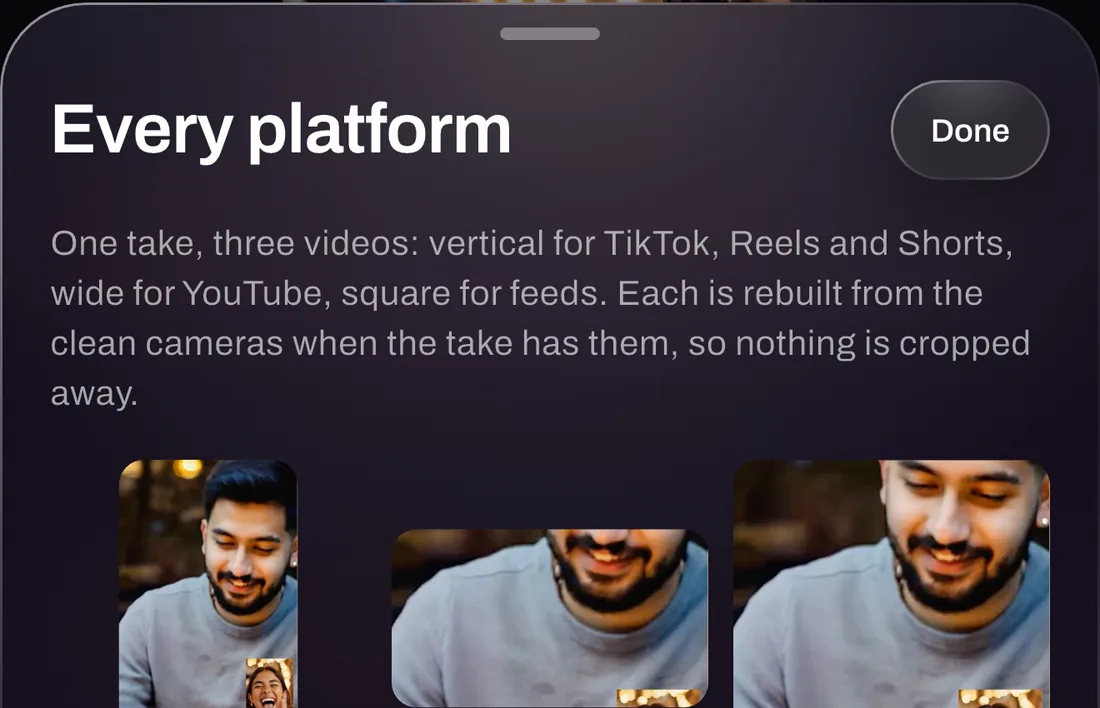
Videos to save decides what the camera writes. Every platform, a PRO tool in the export chooser, decides how the take leaves: one tap writes 9:16, 16:9 and 1:1 versions for TikTok, Reels, Shorts and YouTube, rebuilt from the clean camera files when the take has them so nothing important is cropped away. A Both take plus Every platform is five videos from one take.
With Director, React and Single
A Director take cuts the combined video between the cameras as people talk; the clean files are kept whole, so the cut can be redone in another editor. A React take, with a clip in one slot, always saves one combined video, and a Single take saves one video because there is only one picture.
Rearrange it later
Because Separate and Both keep the clean files, the combined video can be rebuilt afterwards in any layout, window shape or camera order. A Combined-only take cannot, which is exactly why the app asks the question first.
Questions
Videos to save, answered
Which setting should I pick?
Posting straight from the phone: Combined. Editing in another app: Separate. Not sure yet, or planning to rearrange the take later in Dual Recorder: Both. The setting can be changed before every take, and the onboarding asks it once so the app starts the way you work.
Do the clean videos have sound?
Yes. The take records one microphone track and every file it writes carries it, so the clean videos and the combined one all have the same sound.
Does Single mode save several files?
No. With one camera there is only one picture, so a Single take always saves one video. The Videos-to-save setting is remembered for the next two-camera take.
One take. Every file you need.
Dual Recorder: Dual Camera is available now on the App Store for iPhone.