
Reaction videos
Reaction videos with the thing and your face in one take
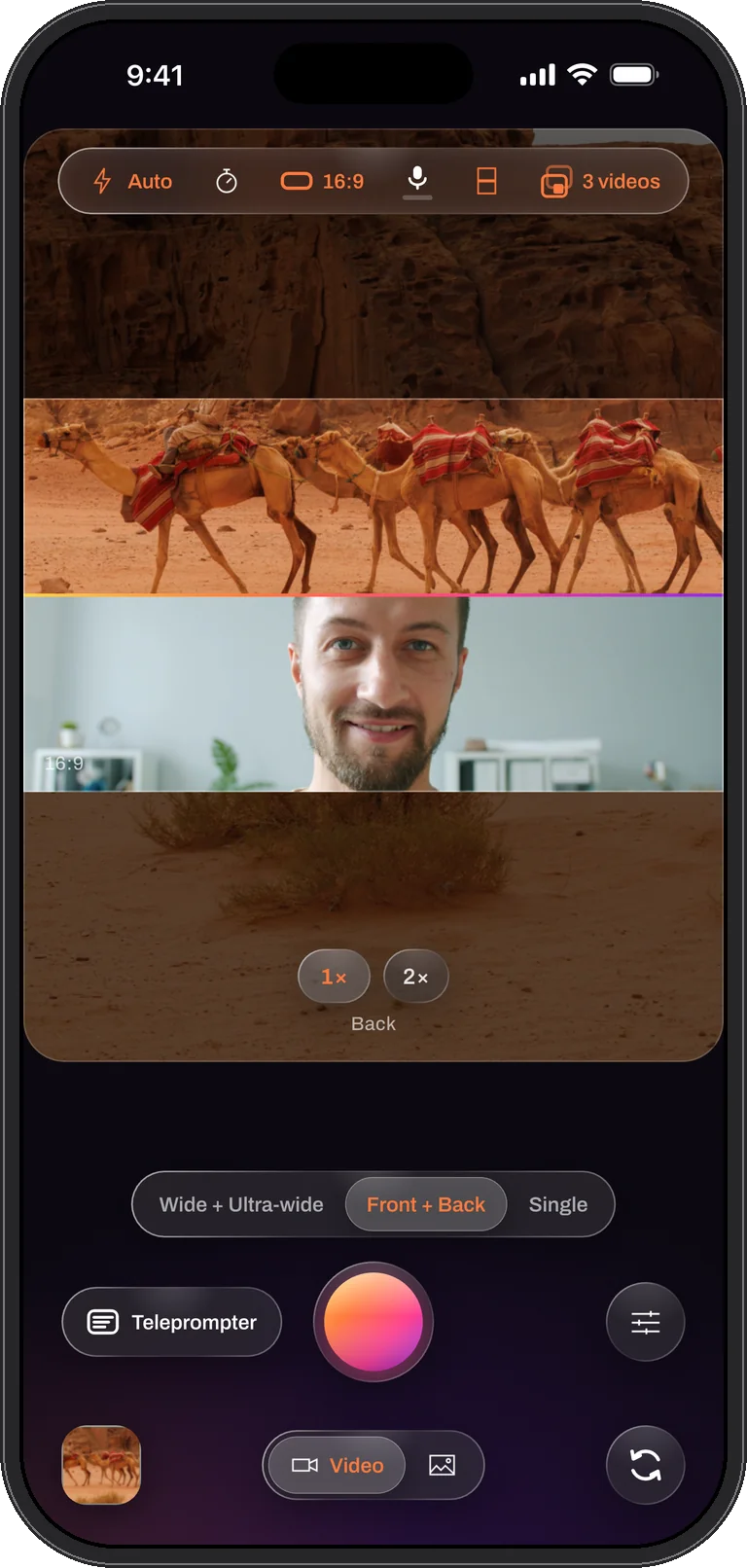
The format is two pictures: what you are reacting to and you reacting. Me + View records both at the same instant, over / under stacks them the way viewers expect on a vertical feed, and Both saves the finished video plus the clean files so a longer edit is a matter of choosing, not syncing.
How to film it
- Swipe to Me + View and choose 9:16.
- Pick over / under. The scene on top, you below. Drag the seam to give the scene more or yourself more; it is written into the file.
- Set Videos to save to Both.
- Record. Tap the shutter for a still of the best moment; switch the light on if the room darkens; everything else stays locked so nothing changes by accident.
- Trim the ends in the editor and, on iOS 26, add captions for the feeds that autoplay muted.
Reacting to a video: React and Duet
When the thing you react to is a video, switch to React. Pick a clip from your library or paste a link, and it fills the frame while the front camera films you. Choose Duet in the clip panel to put the clip and you side by side; in the file the clip’s sound is ducked whenever you speak, so your reaction is never drowned out. The clip starts when the take does, and the take saves one combined video with both sounds mixed in.

What you get
The stacked reaction video ready to post, plus a clean scene file and a clean face file that line up in any editor. If the platform wants landscape, rebuild the same take side by side in the editor’s Layout tool; the original is never touched.
Tips
- Frame for the strip. Each half is a wide strip, so keep your face in the middle of the front camera’s picture, not at the top of the frame.
- Light your face, not the screen you are reacting to.
- Use the window layout instead when the scene matters more than the reaction; a circle in the corner reads as commentary at a glance.
Questions
Reactions, answered
Can I react to something on the phone itself?
No. The back camera films what is in front of the phone. To react to a screen, point the back camera at that screen.
Can I swap which picture is on top?
Yes. The swap control changes which camera is the main one, mid-take, and a Separate or Both take can be rebuilt either way afterwards.
The thing and your face. One take.
Dual Recorder: Dual Camera is available now on the App Store for iPhone.