
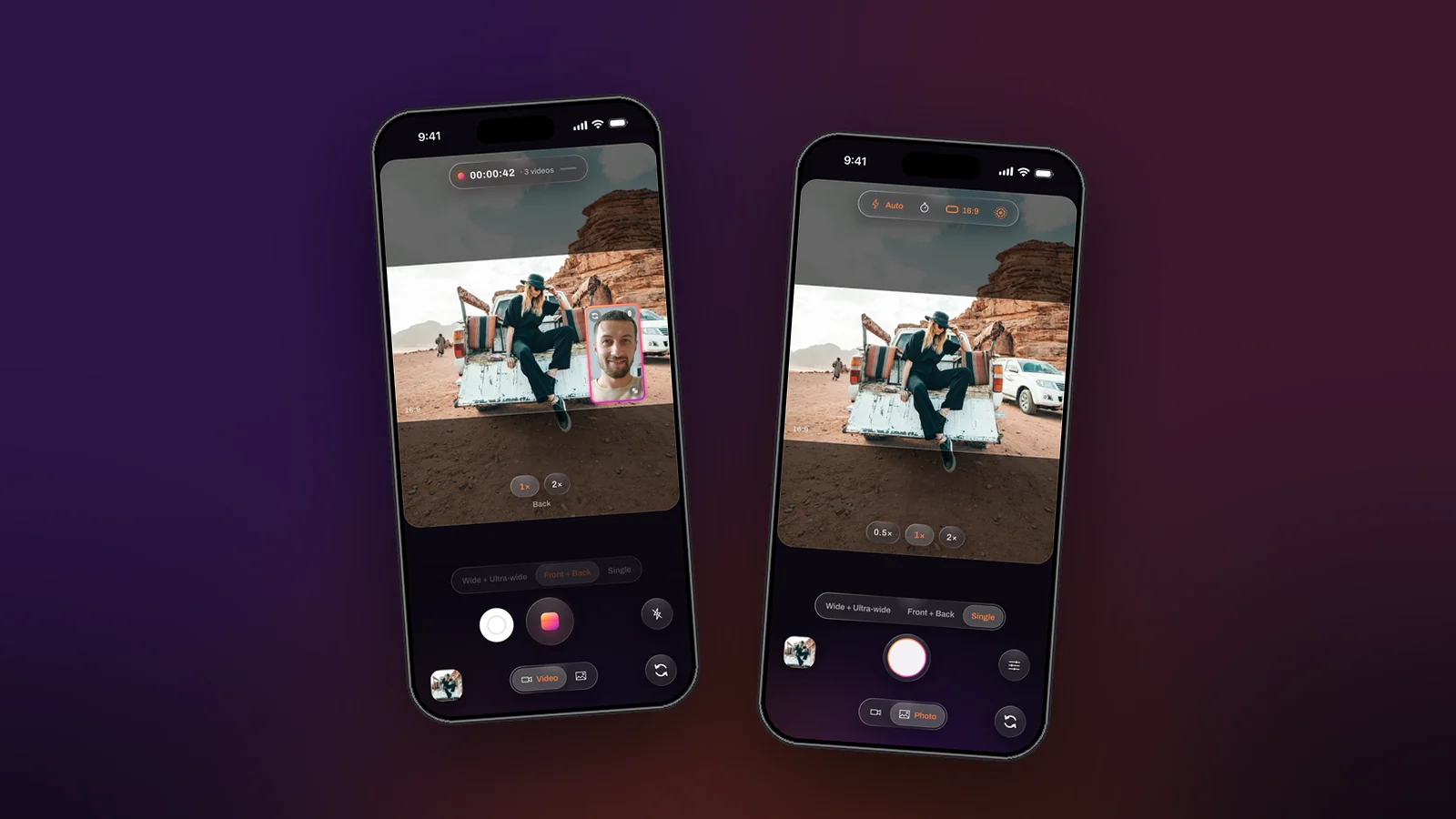
The best photo of the day tends to happen while the video is rolling, and stopping the recording to take it costs the moment twice: once in the video, once in the fumble. The iPhone’s own Camera app has long let you tap a shutter during a video. Dual Recorder does the same, with one difference that matters when two cameras are running: the photo carries the two-camera arrangement, window or split, exactly as it was on screen.
Where the shutter is
Once a take is running the controls lock, except two drawn above the dimmed panel: a white circle to the left of the record ring, and the light to the right. The white circle is the shutter. It is where a phone camera has meant “still, now” for a decade, so nobody has to learn it.
What gets saved
The still is the next frame the recorder composes, rendered once more at the camera’s own read-out size rather than the video’s output size, so it is sharper than a frame grabbed from the file. In a two-camera take at the default setting that is a 2.8-megapixel picture where the video frame is 1.5; in Single mode the read-out reaches 4K. A caption names the size when the shot is taken. The take is untouched: no frame is dropped, and the record button stays live.
How to do it
- Start the take, with the button or a volume press.
- When the moment comes, tap the white shutter beside the record ring.
- Keep filming. Take as many stills as you like.
- Stop the take. The photos are in the library’s Photos tab, grouped by day, next to the take they came from.
When you want a full-resolution photo
Switch the bottom toggle to Photo. Photo mode uses the phone’s photo pipeline, with flash, a timer and Live Photos, and stills of up to 12.6 megapixels beside a second camera. A full-resolution still in the middle of a two-camera video is not offered on purpose: it would need a second capture path that changes what the cameras can afford, and the video’s smoothness comes first.
Photos are always free
Saving and sharing photos never needs the PRO subscription and photos carry no watermark. Select a mix of takes and photos in the library and save or share them together in one go. The photo while recording page has the details.