
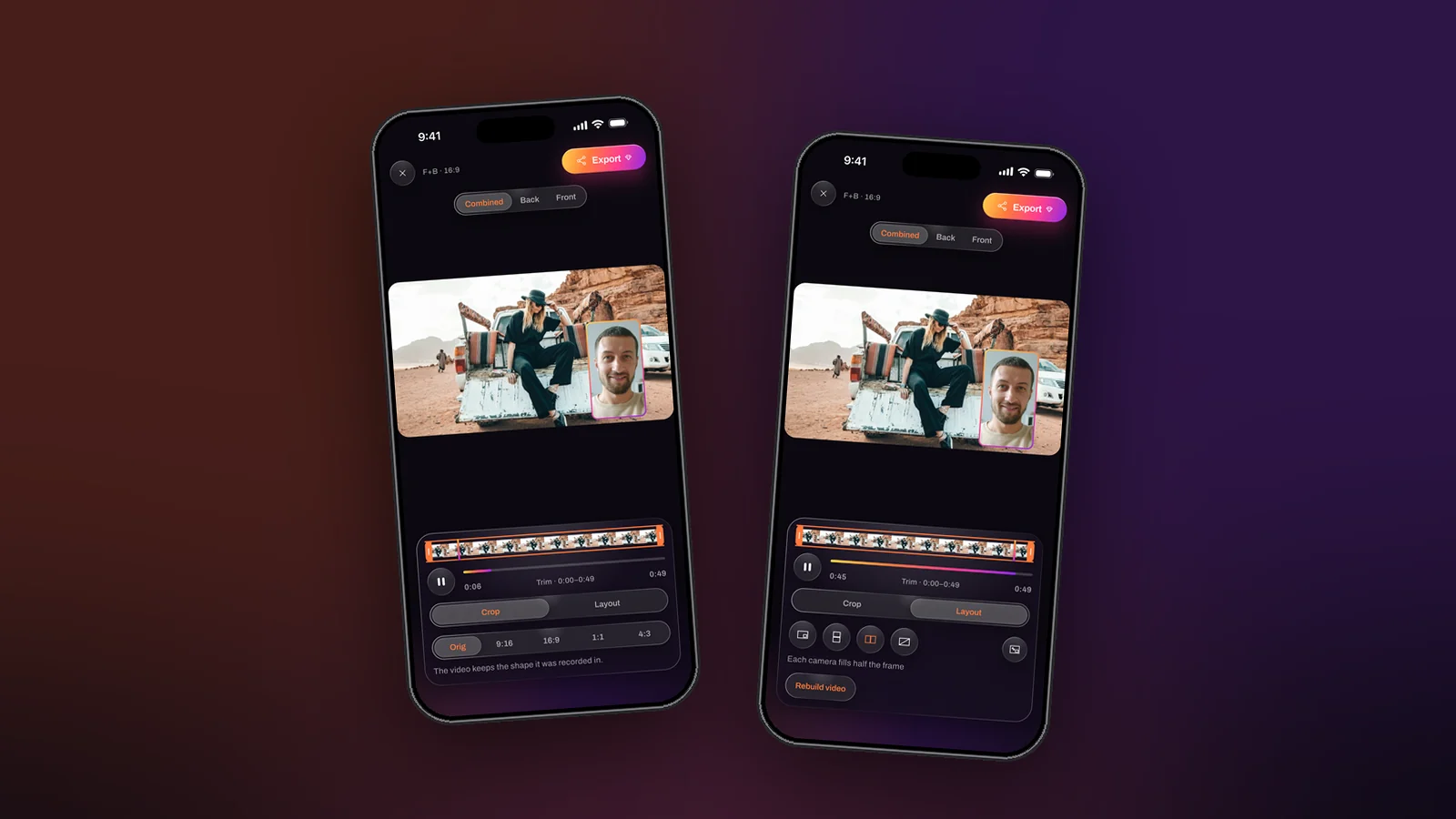
Most short video is watched with the sound off, so the words have to be on the screen. Getting them there used to mean an online service, an account, an upload and a wait. On an iPhone running iOS 26 it means one tap in Dual Recorder’s editor: the transcript is written on the phone, you correct it, and the captions leave as an SRT file or burned into the picture. Here is the whole process.
1. Open the take in the editor
Tap the take in the library and choose Captions among the tools. The first time, the phone may download a language model; after that transcription runs on the device with no connection needed. Trim first if you can: the transcript covers the range you keep.
2. Read the lines and fix the ones that need it
The transcript arrives as short cues that end where sentences end, so each caption reads the way it was spoken. Names, product terms and the occasional mishearing are the lines to check. Tap a line to correct it; a corrected line shows in full white so you can see at a glance what you changed.
3. Choose how the captions leave
- SRT file, through the share sheet, for the platforms that accept a caption file beside the video. Viewers can switch them on or off, and the file is free to export.
- Burned in, drawn into the picture at export, for the feeds that ignore caption files. It is permanent, so it is off by default and chosen per export. In a split layout the caption band sits in the main camera’s half rather than across the seam.
4. Export
Export writes the video to Photos in MP4 or MOV, whichever Settings says; with captions burned in it is a video export like any other: free in HD with a small watermark, full size with none in PRO. Transcribing, correcting and the SRT itself are free.
Three habits that make captions better
- Record good sound. Check the microphone meter before the take and use the microphone picker if you have an external mic; a clean track transcribes far better than a room echo.
- Use the teleprompter. A script read from the panel under the lens comes out as full sentences, which the transcriber breaks cleanly.
- Correct once, export twice. Fix the transcript, then export both the SRT and a burned-in version, so every platform gets the form it wants.
Which iPhones
Captions need iOS 26, where Apple’s on-device speech models became available to apps; a phone that cannot transcribe is not shown the tool. Everything else in the app works from iOS 15. The captions page has the details.