
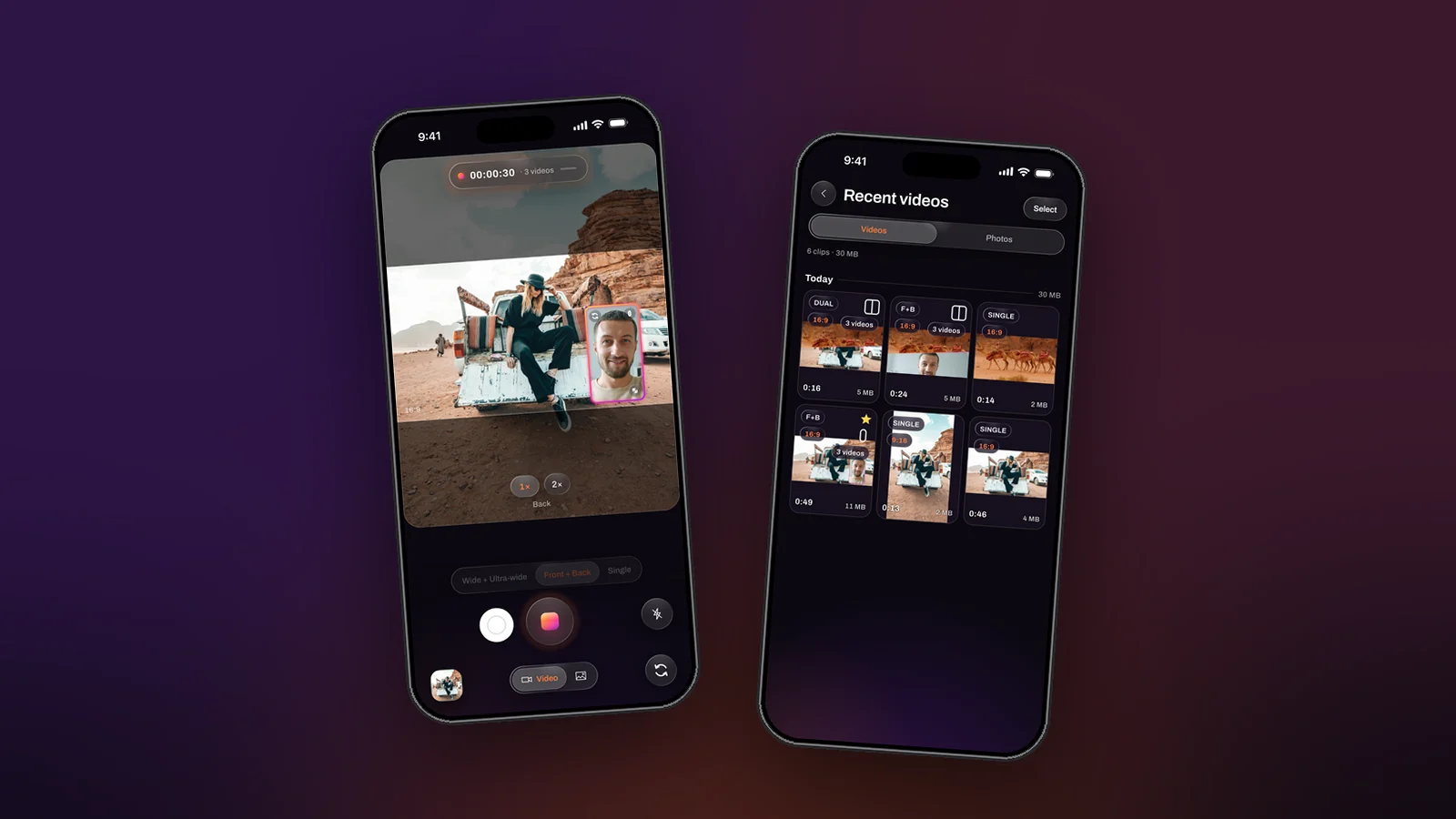
Search for how to sync two camera videos and you get the same advice everywhere: clap at the start, line up the spike in the waveform, hope neither camera drifted. It works, and it is the most tedious ten minutes of every two-camera edit. On an iPhone it is also unnecessary, because the phone can record both of its cameras in one session, and a recording made that way has nothing to sync.
Why two devices drift
Two cameras are two clocks. Even after you align the clap, each one runs at its own idea of thirty frames a second, and over a long take the two pictures slide apart by a frame, then two. Editors hide it by cutting often. The only real cure is a single clock feeding both cameras, which is exactly what a phone’s multi-camera session is.
What one session changes
In Dual Recorder both cameras run inside one capture session on the same timing, and the app writes every file of a take from the same frame stream. Three things follow:
- Same first frame. Every writer, the combined video and each clean file, starts on the first main-camera frame. There is no offset to find.
- Same length and size. The files share one video shape and one crop, so they drop onto a timeline as equal tracks.
- Same sound. One microphone track is carried by every file, which is also why you never need to pick which camera’s audio to keep.
How to record it
- Choose a two-camera mode: Me + View or Two angles.
- Set Videos to save to Separate for two clean files, or Both to keep the composed video as well.
- Record once. A mid-take swap changes which camera is in the window, never which camera goes to which file.
- Save the files to Photos or share them, and open them in any editor. They are already aligned.
When you do not even need the editor
Most two-camera edits exist to put the two pictures on screen together. Dual Recorder does that while you film: a window in any shape, an over / under or side by side split, or a diagonal seam, arranged live and baked into the combined file. And because the clean files are there, the arrangement can be rebuilt later in the app’s Layout tool if the first choice was wrong.
The honest limit
One session means one phone. Two cameras on one iPhone can be the front and the back, or the wide and the ultra-wide, and they share the phone’s image pipeline, so they record in the 1080p class at 30 frames per second on current models. For a two-angle shoot that needs 4K on both angles you are back to two devices and a clap. For everything else, the sync step is simply gone.