
Travel videos
Travel videos: the detail and the place from one pass
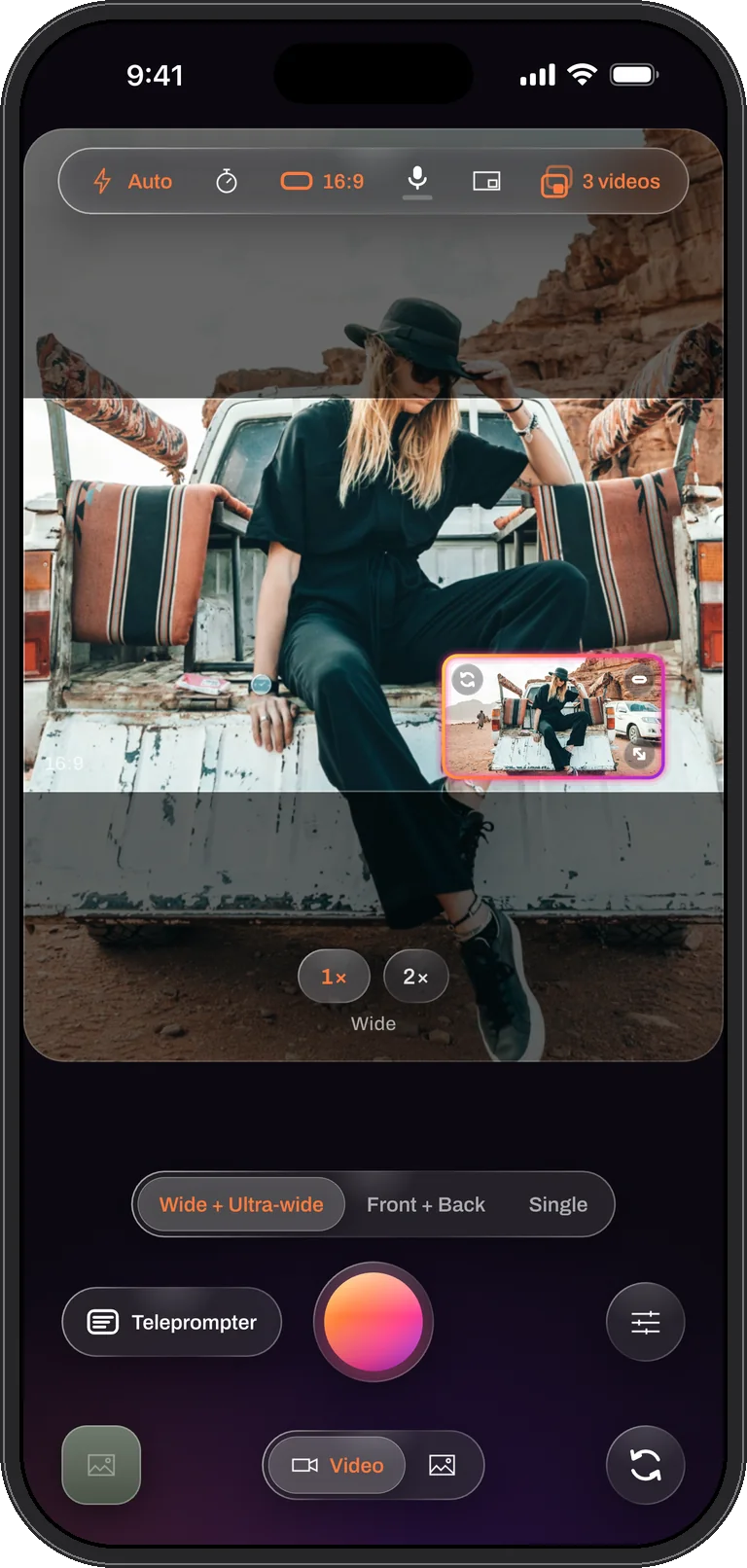
Travel footage is two shots repeated: the detail that says what a place is like and the wide that says how big it is. Two angles records both while you walk, so a single pass through a market, a street or a viewpoint comes back as a tight file, a wide file, and a composed video of the two.
How to film it
- Swipe to Two angles and set 16:9. Keep Steady the picture on when you walk.
- Put the ultra-wide in the window in a corner, or choose over / under when the place is as important as the detail.
- Set Videos to save to Both. The combined video is the postcard; the clean ultra-wide file is your crop source for every feed.
- Record in short takes rather than one long walk, and grab stills with the shutter as you go.
- Crop later. In the editor, cut 9:16 stories out of the wide file and move the crop to keep the subject.
What you get
A composed clip of each place, a tight file and a wide file that already line up, and a set of stills, all in the library grouped by day so a trip reads as a trip. Storage is the thing to watch: Both writes three files, and the library shows what every day cost.
Tips
- Daylight is the ultra-wide’s friend. At night keep the important view on the wide lens.
- Narrate with Me + View at a viewpoint: the view behind you, you in the window, the script under the lens if you wrote one.
- Free space before you leave. A take refuses to start without a safe margin, and it is better to know that in the hotel than on the pier.
Questions
Travel, answered
How much storage does a trip take?
Settings estimates the megabytes per minute for the mode, size, rate and file count you chose, and the library shows what every take and every day cost. Both roughly triples a take compared with Combined.
Does it work without a signal?
Yes. Nothing in the app needs a connection: recording, editing and captions all happen on the phone.
The detail and the place. One pass.
Dual Recorder: Dual Camera is available now on the App Store for iPhone.