
Press kit
Writing about Dual Recorder
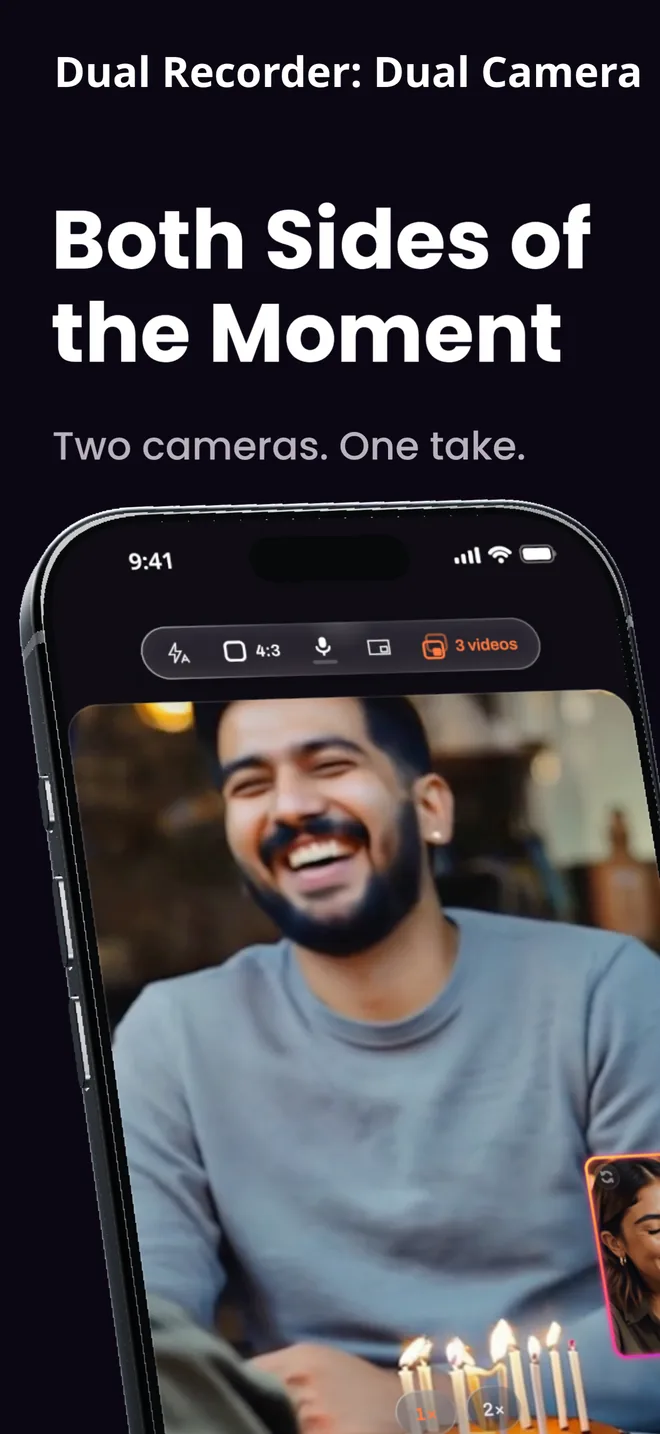
Everything on this page may be used in coverage of the app without asking: the descriptions, the facts, the icon and the App Store screenshots. For a review build, a quote or anything not here, write to support@evokey.tech.
Facts
Descriptions
One line
Dual Recorder records both iPhone cameras in one take and saves up to five videos: the combined picture, a clean file from each camera, and versions for every platform.
Short
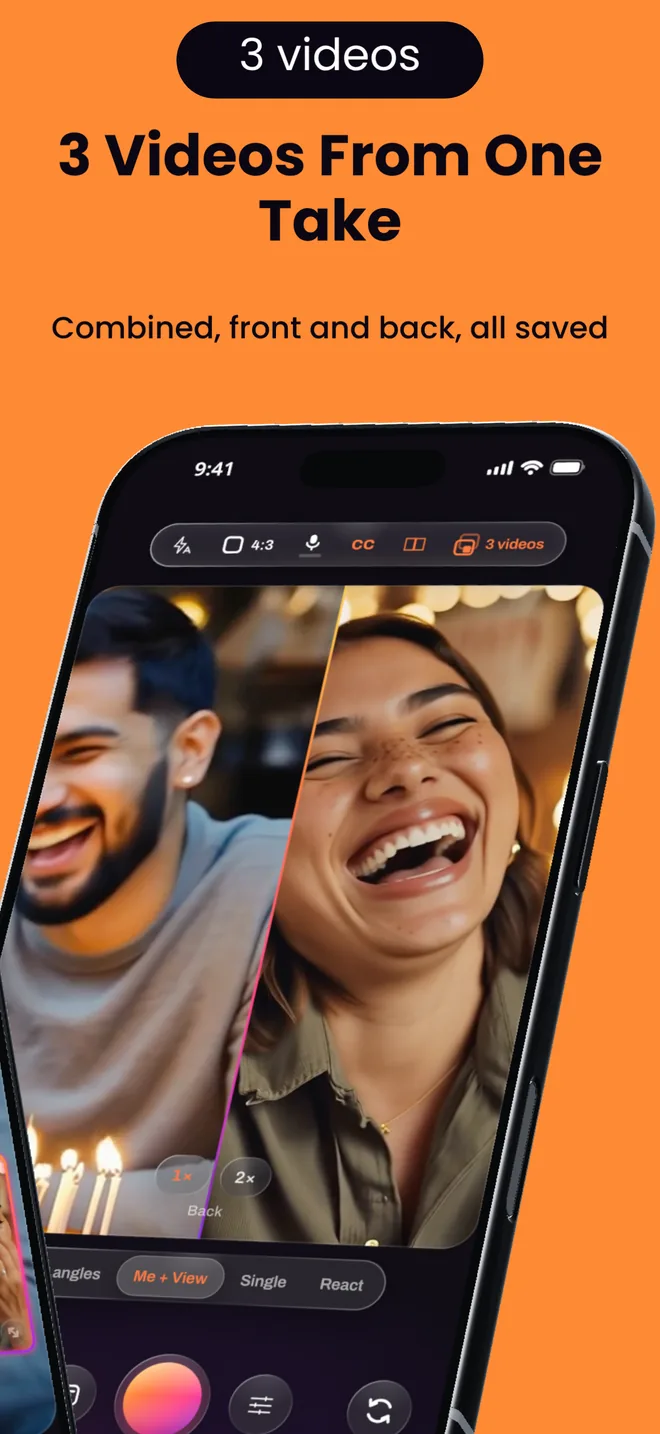
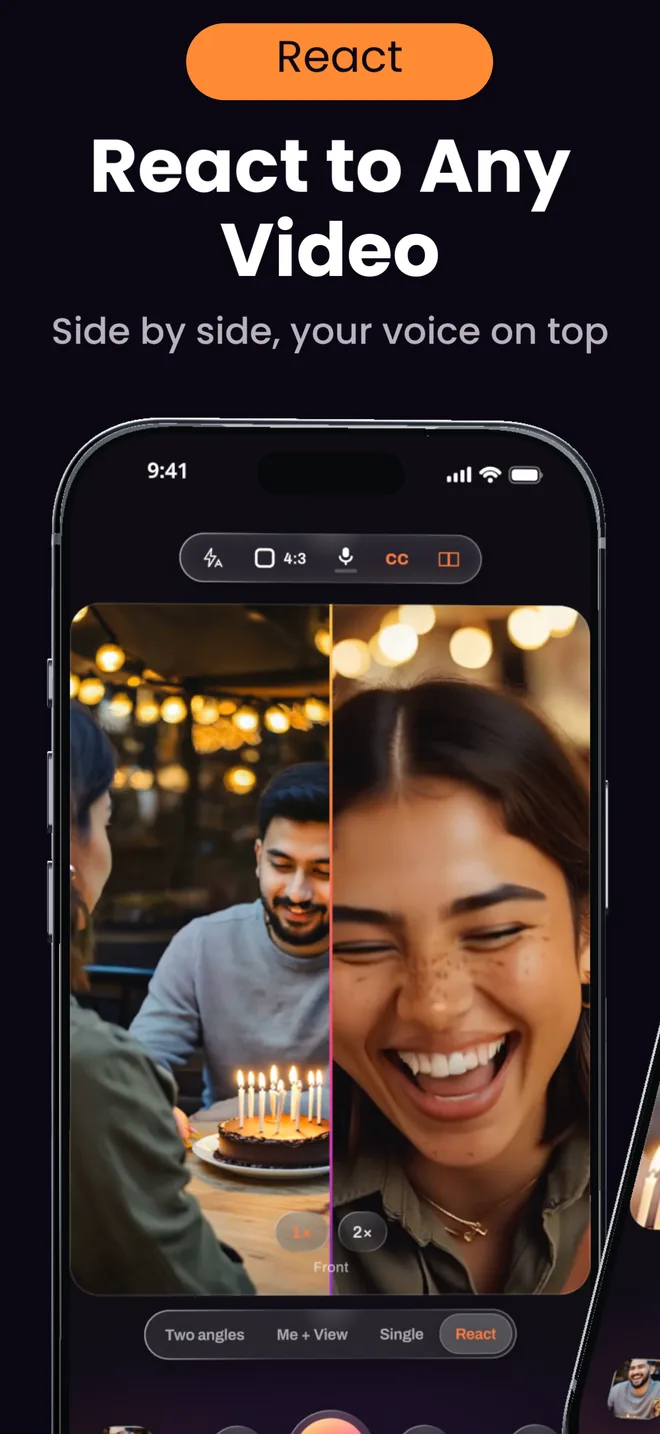
Dual Recorder turns an iPhone into a two-camera studio. It records the front and back cameras at once (Me + View), the wide and ultra-wide lenses at once (Two angles), a single camera, or a video you react to (React), and one take saves up to five videos: the combined picture, a clean file from each camera, and 9:16, 16:9 and 1:1 versions for TikTok, Reels, Shorts and YouTube. Captions appear as you speak, Director cuts to whoever is talking, and Clips picks the best moments. Recording and HD exports with a small watermark are free; PRO exports full size with no watermark.
Long
Most dual-camera apps give you one video with the second camera burned in. Dual Recorder asks what the take should keep before you press record. Combined writes one video with the window or split baked in. Separate writes a clean video from each camera. Both writes all three. Every file starts on the same frame and shares one size, so the clean videos line up in any editor without syncing.
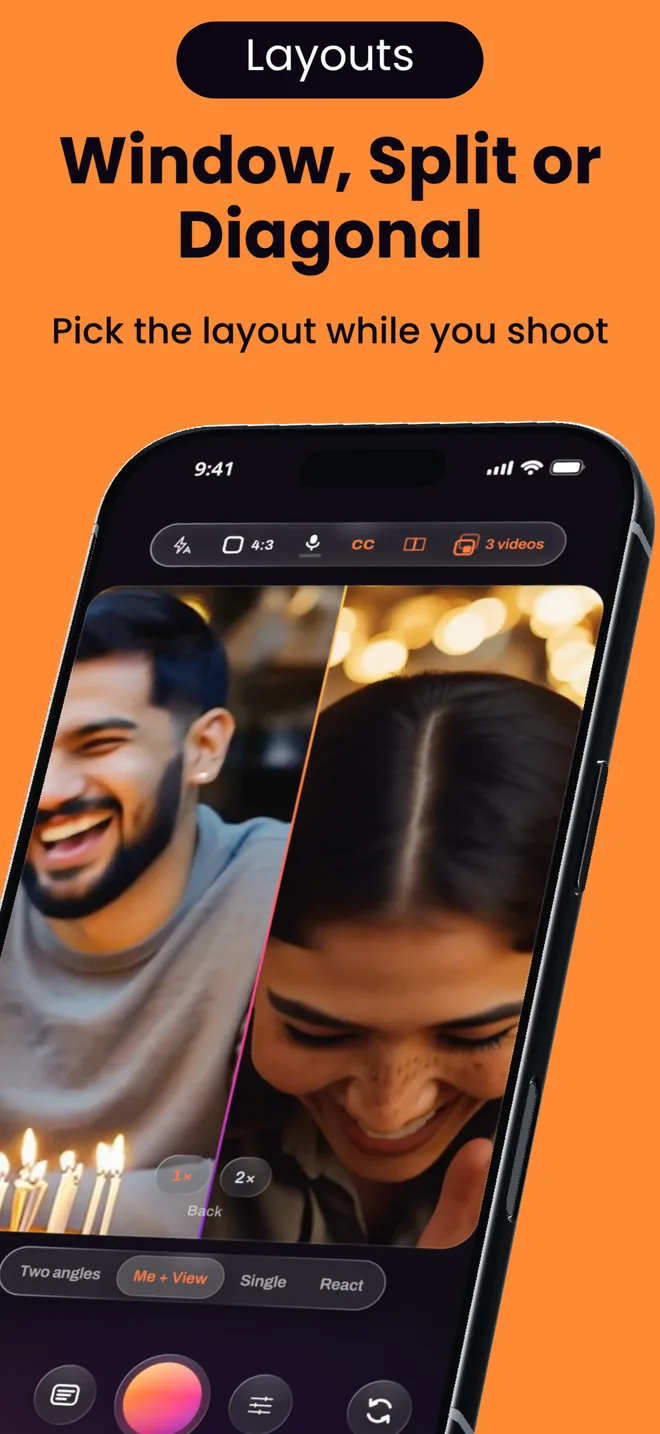
Two cameras share one frame in five ways: a floating window that can be dragged, resized and reshaped; over / under and side-by-side splits; a diagonal seam; and a cut-out that floats one camera over the other with or without a green screen. In React mode a clip from the library or a link takes one side, and Duet puts it beside you with its sound ducked under your voice.
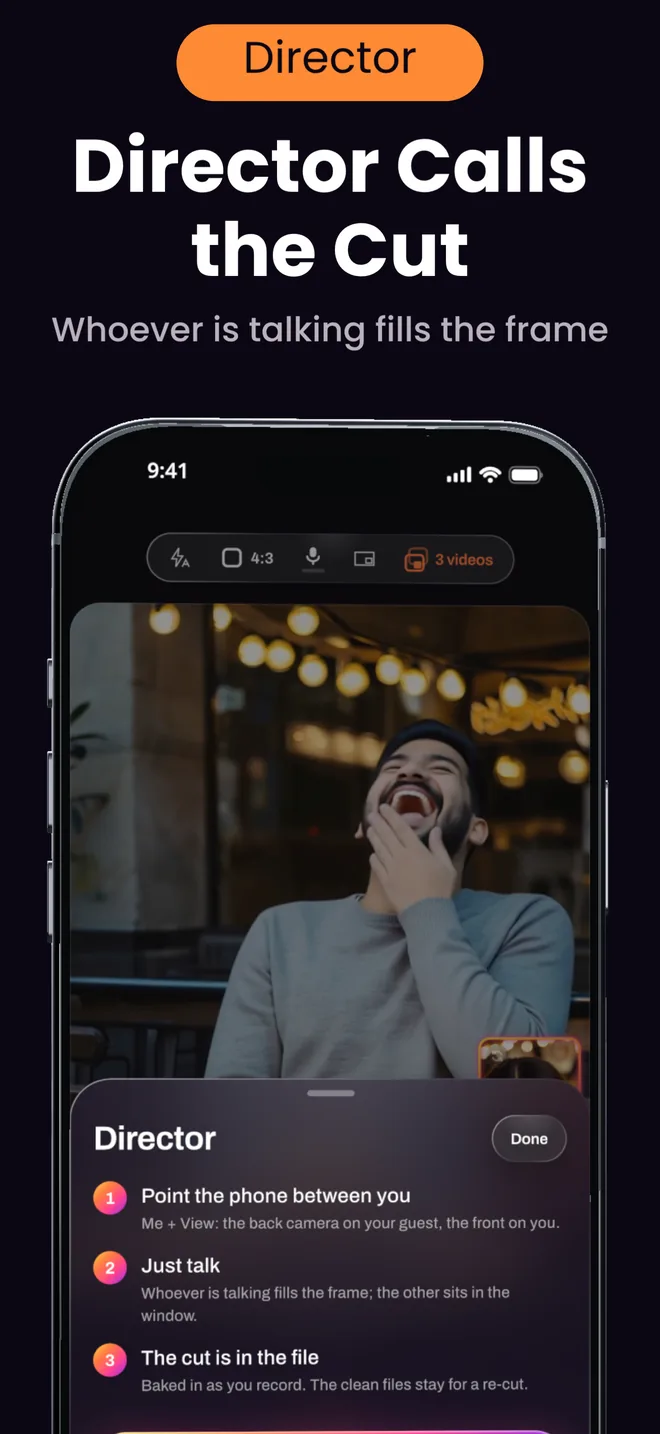
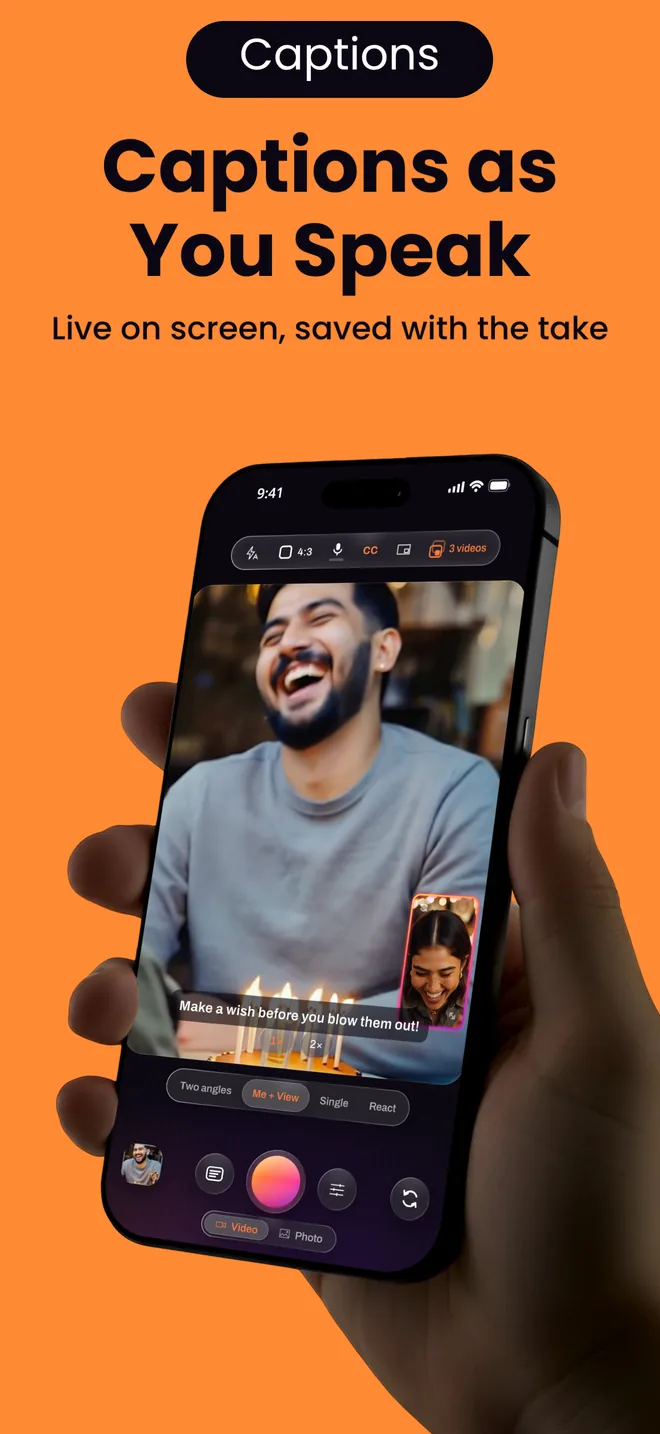
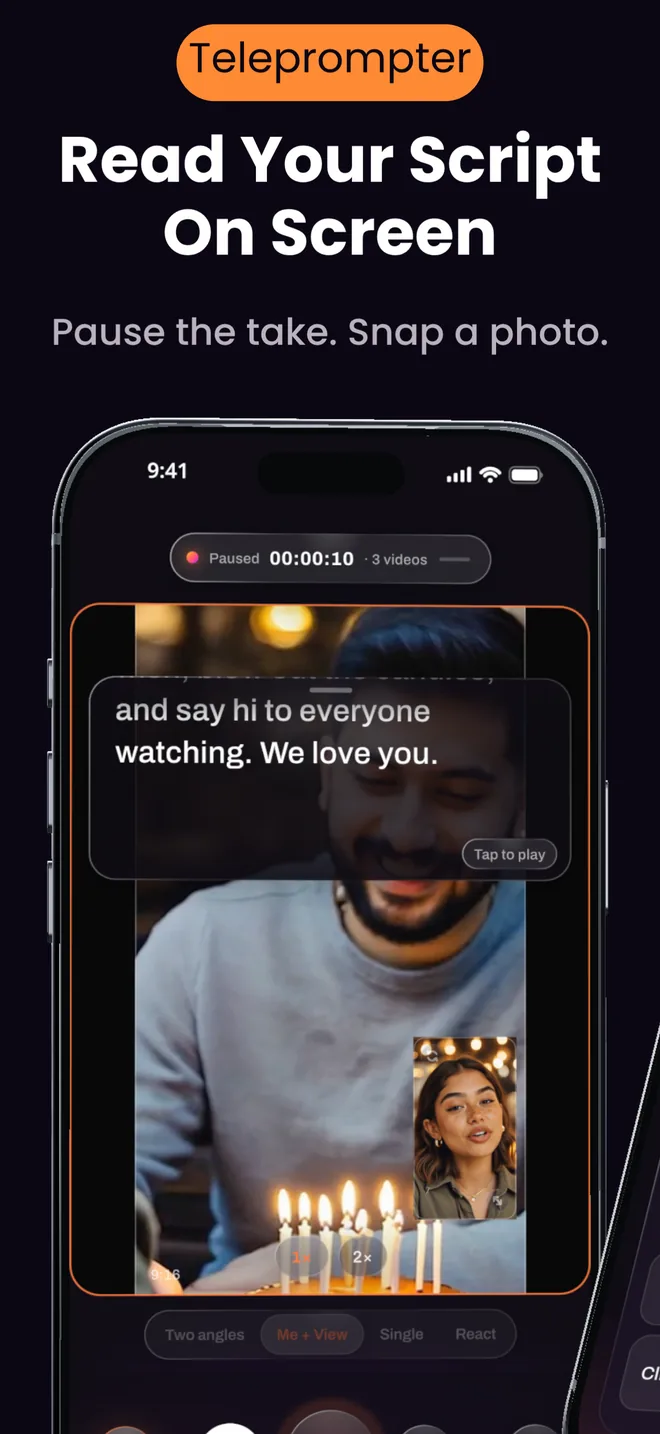
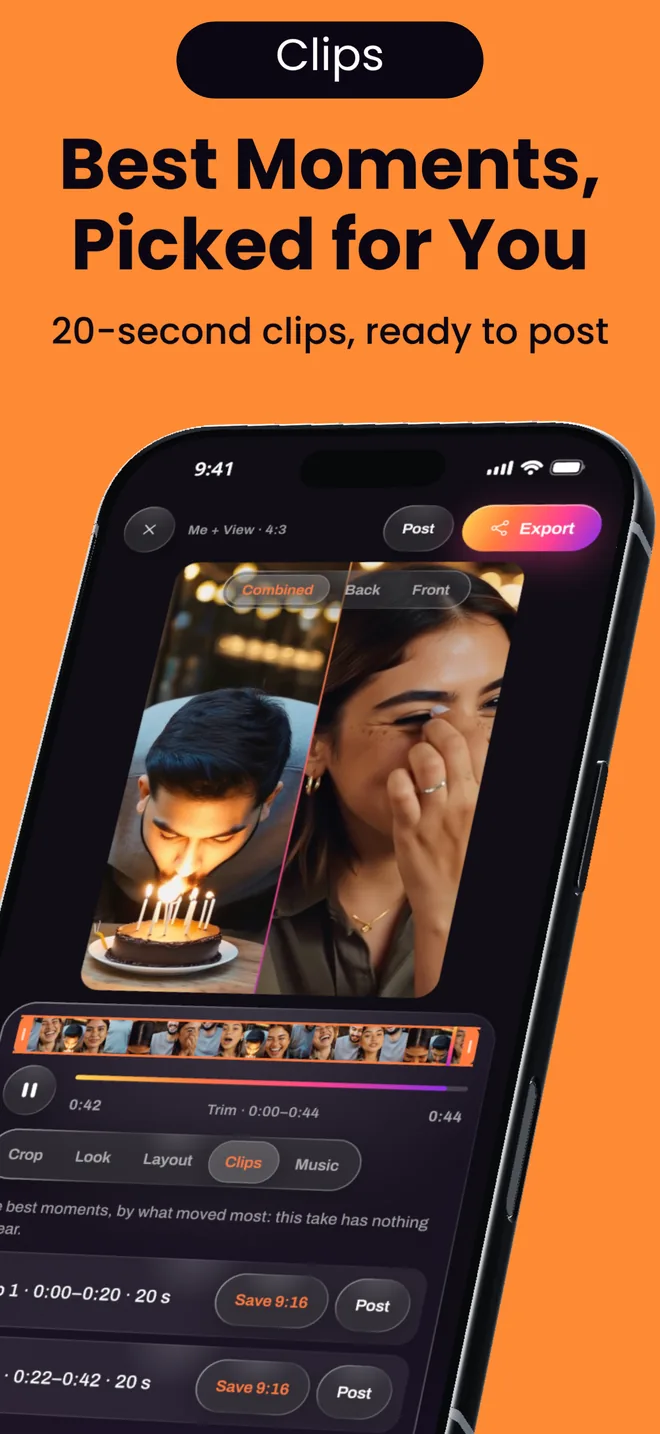
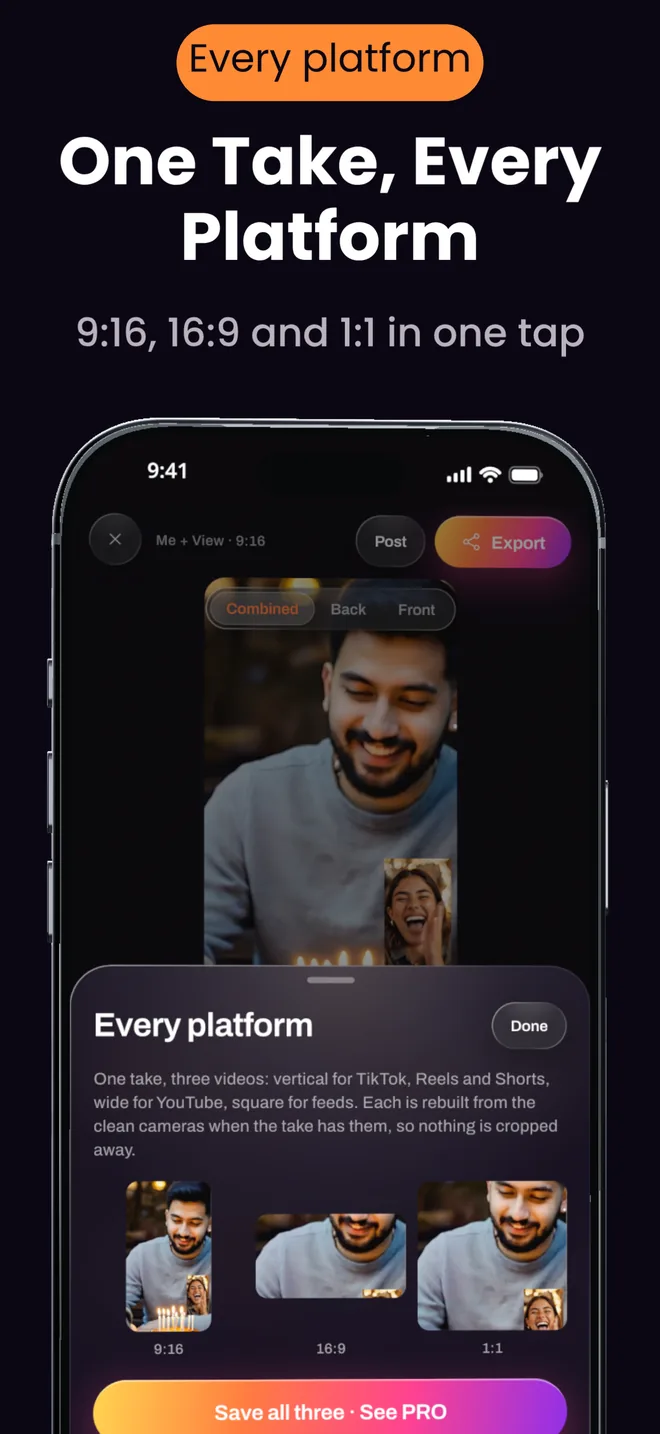
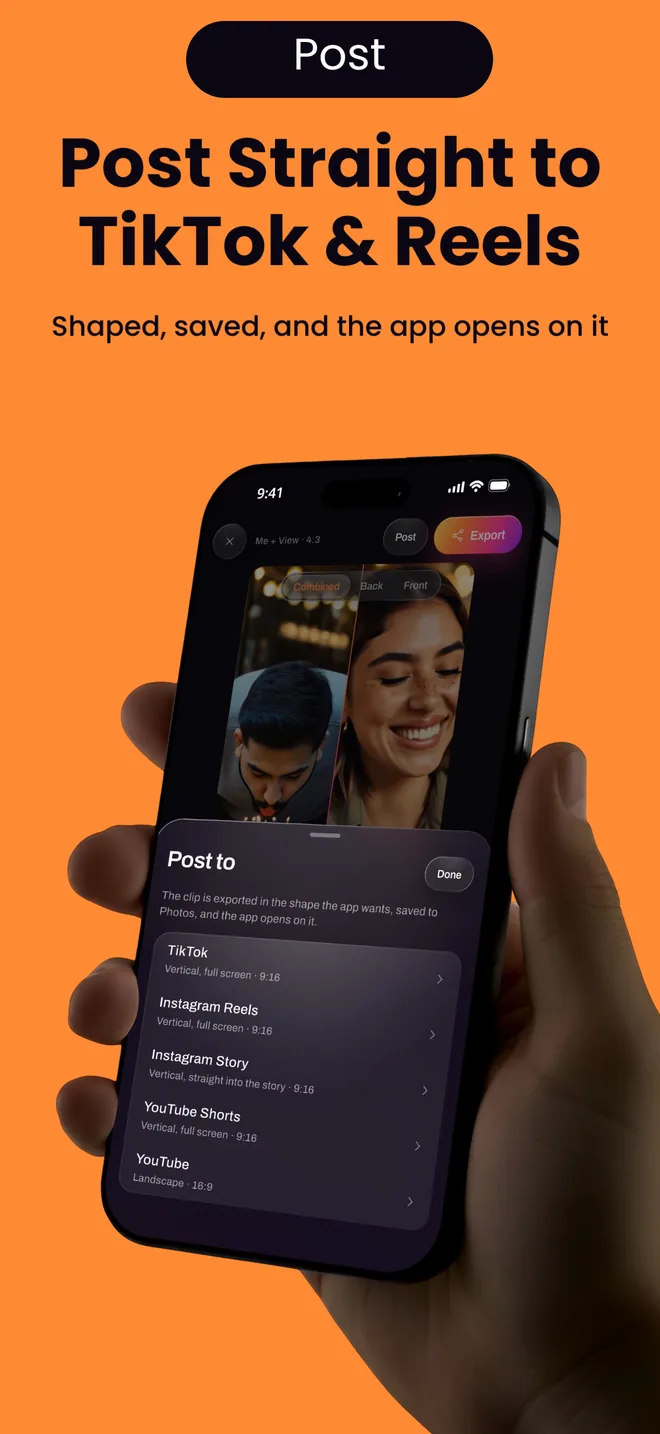
Version 1.0.5 lets the take do more of the work. Director watches who is talking and cuts live: the speaker’s camera fills the frame and the other sits in the window, a split when both talk, baked into the file with the clean files kept for a re-cut. On iOS 26, live captions write the words on screen as you speak and save them with the take. In the editor, Clips finds the best 20 to 40 seconds by sound, or by motion when nobody speaks, Every platform writes three shapes in one tap, and Post opens TikTok, Instagram, or YouTube on the shaped clip. Around the recording: pause and resume, a photo mid-take, a teleprompter whose script Apple Intelligence can write, manual exposure, nine looks, music and your own handle or logo on exports.
Recordings, photos and captions are processed on the phone and never leave it unless the user saves or shares them. There is no account and no ads.
Downloads
Colours
Usage
Please show the icon in its original proportions and colours, and the screenshots uncropped or cropped without altering the interface. The app’s name is written “Dual Recorder”; the App Store listing is “Dual Recorder: Dual Camera”. Apple, iPhone and App Store are trademarks of Apple Inc.; Dual Recorder is not affiliated with Apple.